
Identify fonts from screenshots
Upload a cropped website, social asset, or product screenshot and get a ranked shortlist of usable font matches.
Try Font Finder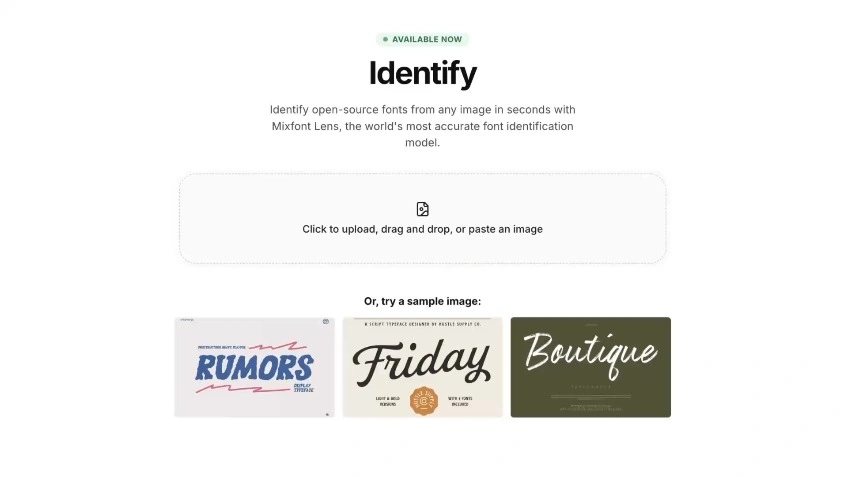
Identify fonts from an image, screenshot, logo, or design reference and get a ranked shortlist of open-source matches you can actually use.
Use Font Finder when the typography only exists inside a flattened image.
Upload a cropped website, social asset, or product screenshot and get a ranked shortlist of usable font matches.
Try Font FinderFind close open-source alternatives when a project needs a licensing-safe replacement for an image-only reference.
Find a free matchTurn exported logos, scans, mockups, and legacy files into a practical shortlist your team can test quickly.
Upload a reference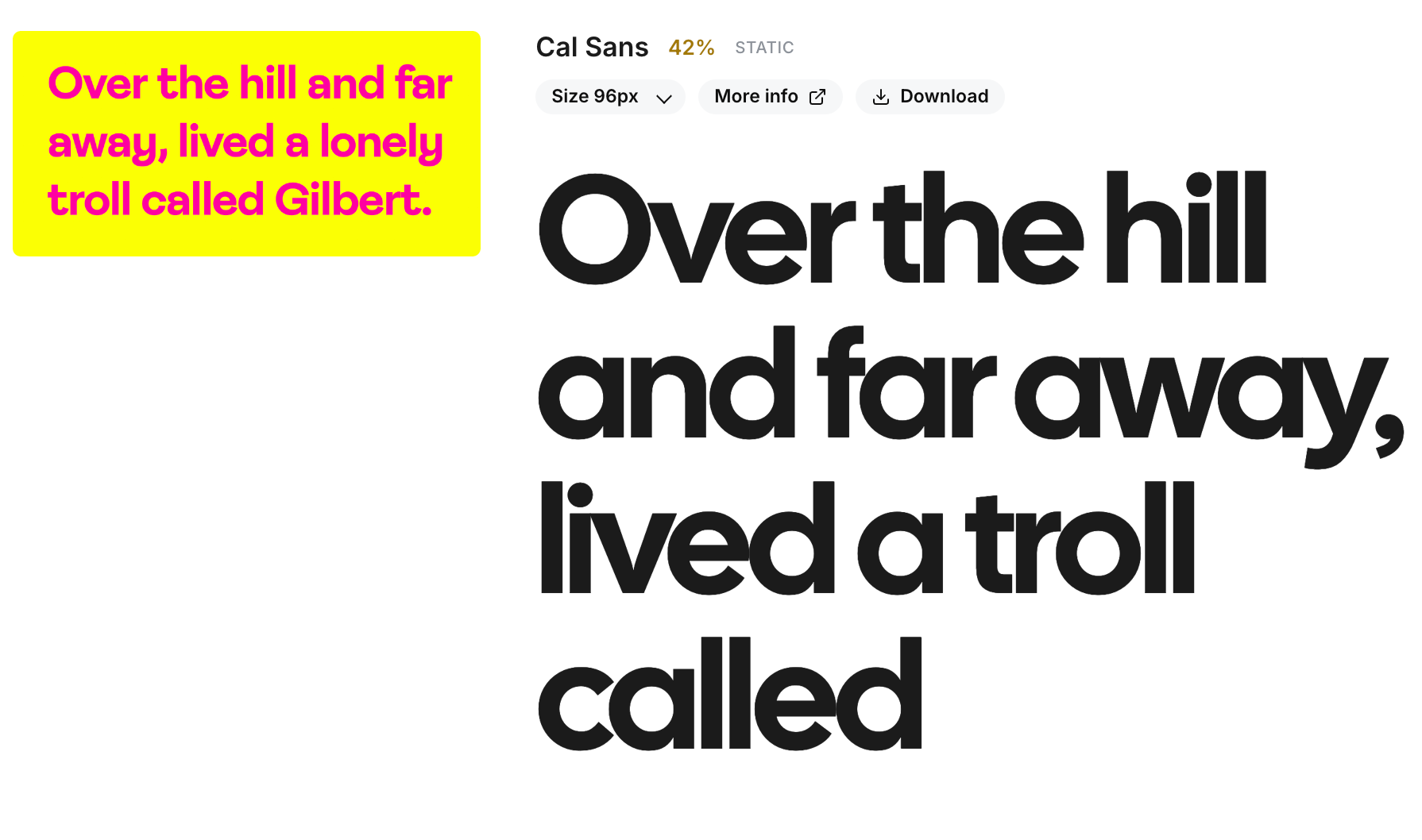
Use Free Font Finder on screenshots, logos, website captures, posters, packaging, mockups, scans, and other flattened images with visible text.
The best results usually come from a clean sample with strong contrast and one prominent word or short phrase to analyze.
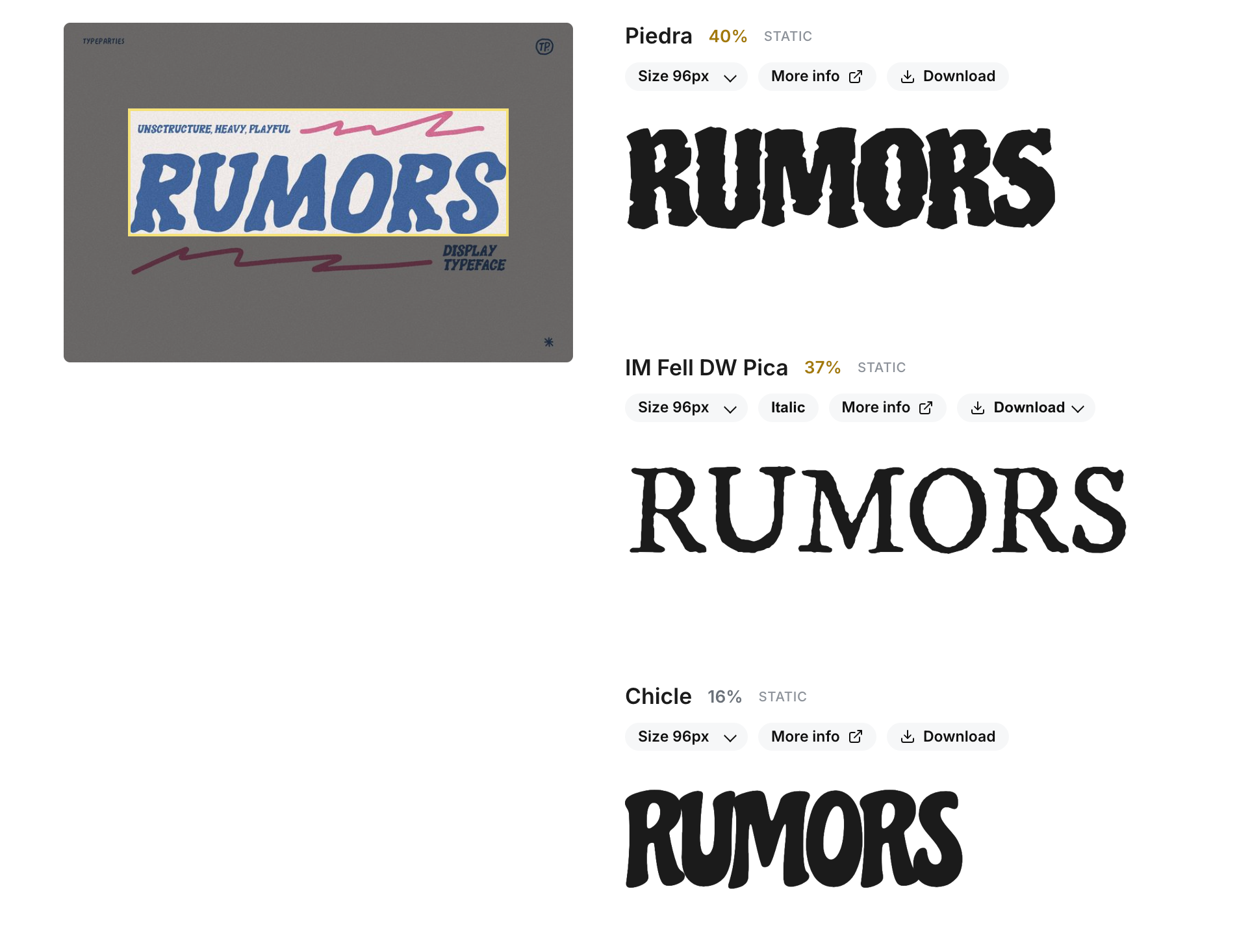
The tool isolates the strongest text sample, compares its letterforms against a library of open-source fonts, and returns a ranked shortlist of likely matches.
Instead of stopping at a broad style category, it helps you identify fonts from an image with candidates you can actually compare and use.
This workflow is useful for recreating designs, auditing typography in brand assets, and replacing commercial typefaces with licensing-safe alternatives.
If the exact font is unavailable, the shortlist helps you land on a visually similar free option without spending hours searching manually.
Upload an image with readable text, and Free Font Finder will analyze the strongest sample and return a ranked list of likely matches.
Yes. It is designed for real-world references, including logos, screenshots, mockups, posters, and flattened social assets, as long as the text is clear enough to read.
It is designed to return the most useful result. In some cases that will be the exact same font, and in others it will be the closest open-source alternative based on the uploaded sample.
Clear text, strong contrast, and at least one prominent word usually produce the best match quality. Heavy blur, distortion, or tiny text make identification harder.
Font identification is rarely perfect from a single image, so the tool returns a shortlist. That gives you a better starting point when comparing similar families, weights, or free alternatives.
Upload the reference, review the shortlist, and pick the closest open-source match without a manual font hunt.