Create from a reference image
Upload lettering, a poster crop, or a brand sample and turn the visual direction into an editable generated font.
Create from image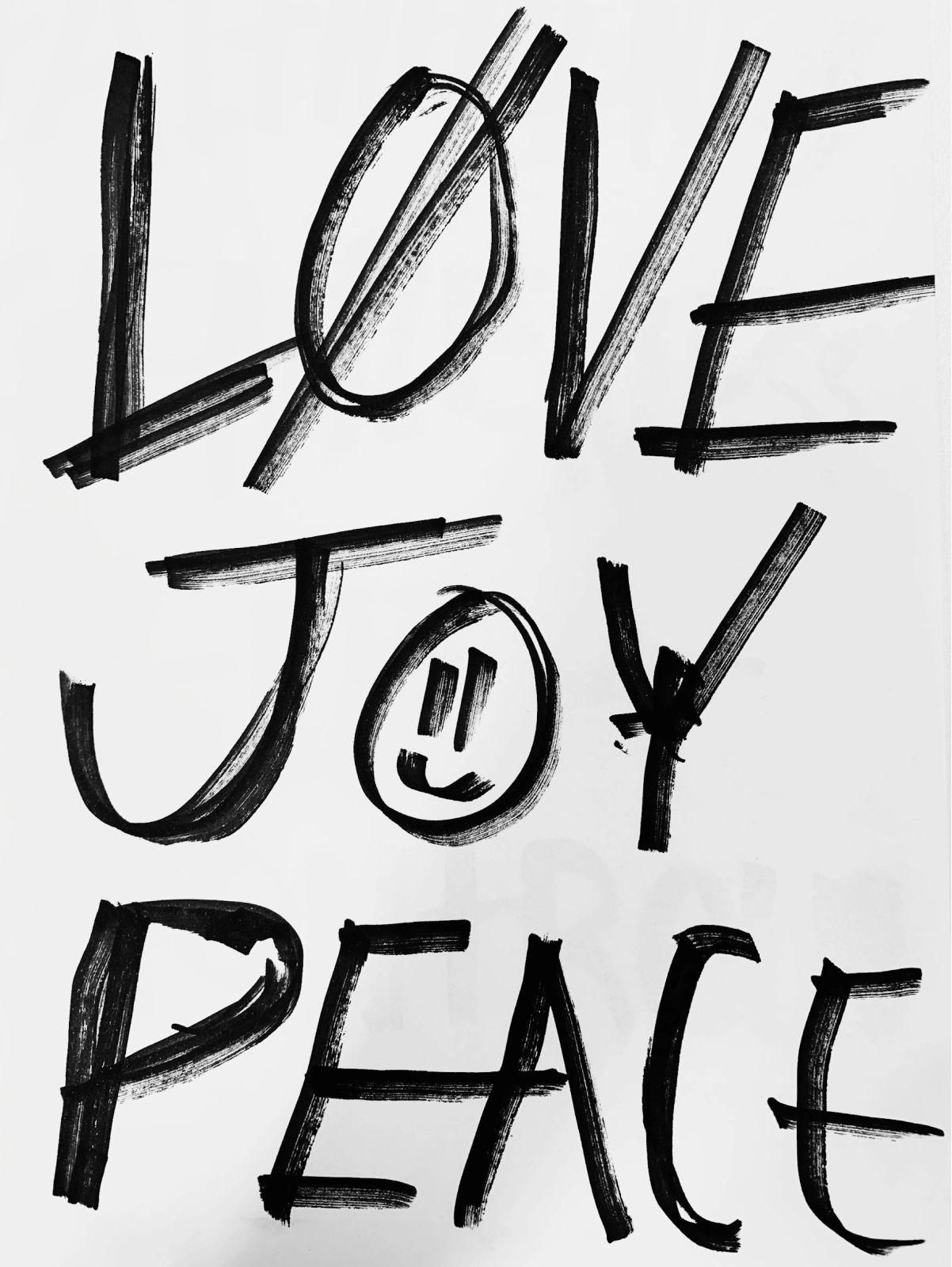
Create custom fonts from a prompt or reference image, then preview and download a ready-to-use TTF.

Start with just a prompt or image, and create a unique typeface in seconds.
Upload lettering, a poster crop, or a brand sample and turn the visual direction into an editable generated font.
Create from imageDescribe the style, shape, or use case you want and generate a custom typeface from text.
Get startedMixfont generates more than 320 glyphs per font, covering a broad set of languages, punctuation, and symbols.
Start generating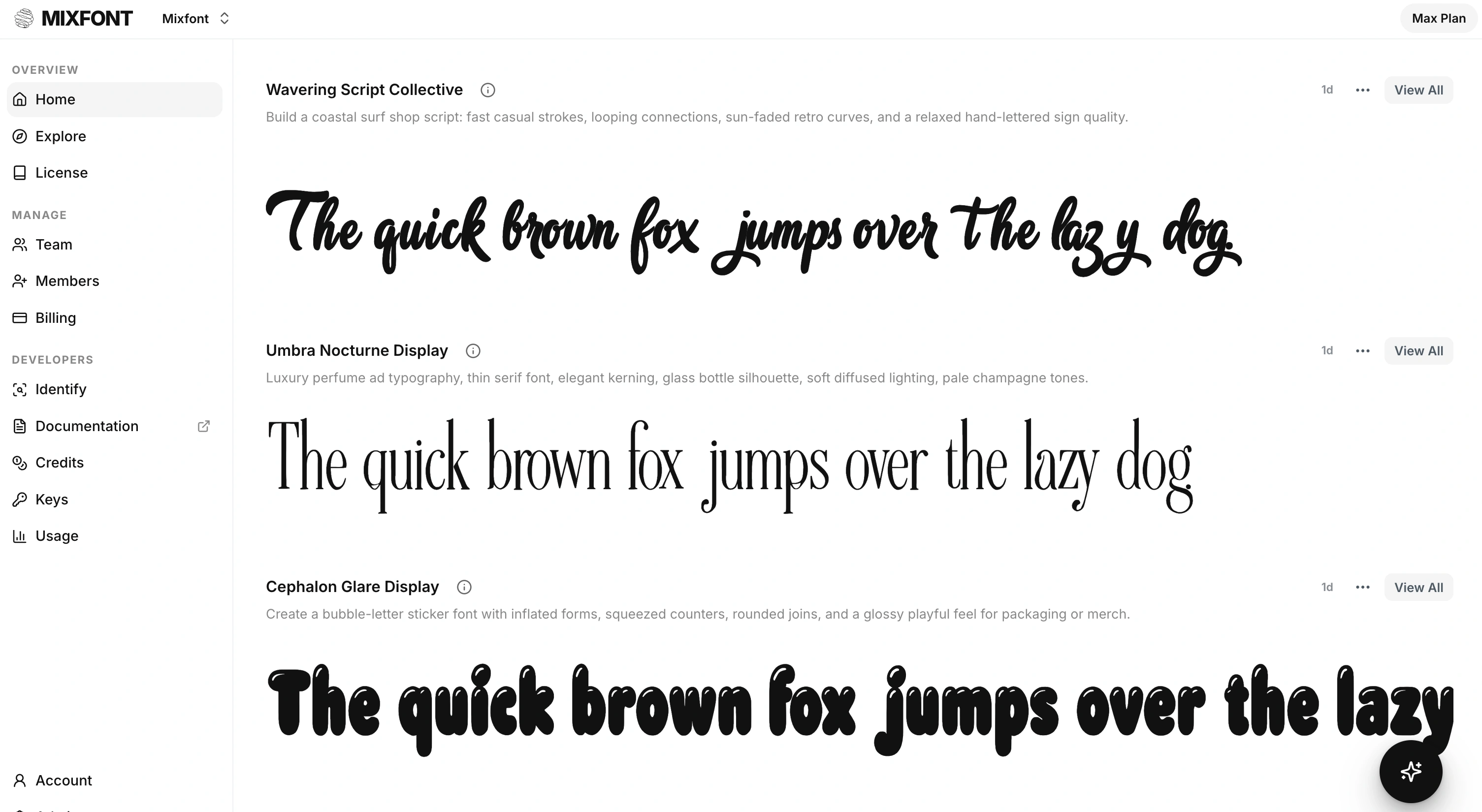
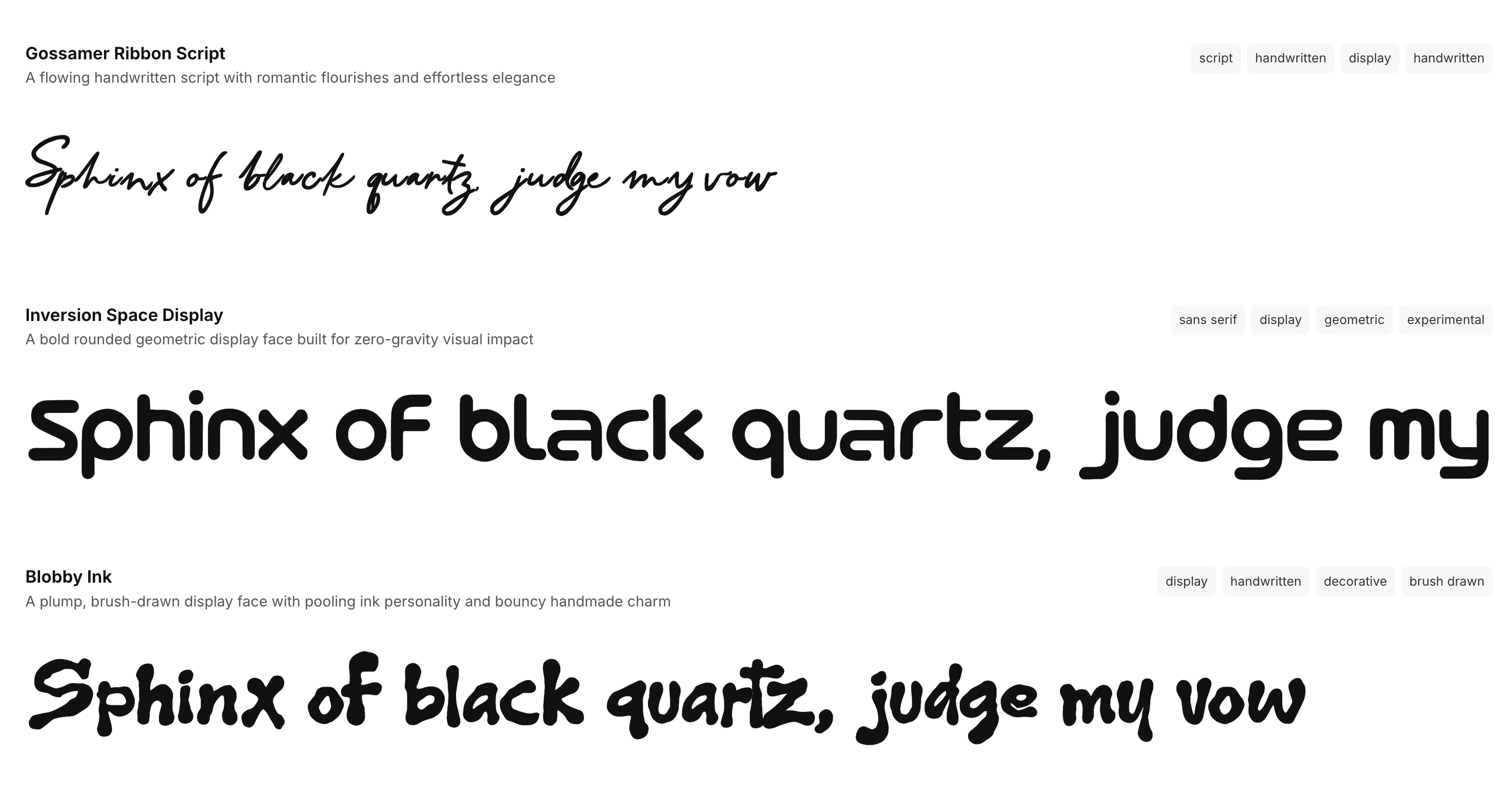
Mixfont's AI font generator creates a complete typeface from a prompt or reference image. Use it when you need a downloadable TTF with reusable letters, numbers, punctuation, and symbols.
The Mixfont model powers a platform of typographical AI tools. Try the handwriting to font tool to go directly from a picture of your handwriting to a fully editable font file of your handwriting.
To create fancy, stylized versions of text, try Mixfont's fancy text generator. It creates bold, script, gothic, circled, and decorative Unicode text that can be pasted instantly into any app.
Start with a text prompt for a display face, brand typeface, poster font, handwritten style, game UI font, editorial serif, logo-ready wordmark, or any other custom direction.
You can also use a reference image when the visual style already exists and you want Mixfont to turn that typography direction into a generated font.
Mixfont turns your prompt or reference into a generated typeface you can preview across real words, cases, sizes, and spacing settings.
Instead of creating only decorative text art, the workflow is built around making a font file that can move into design, branding, web, and product work.
Use font generation to explore multiple directions quickly, refine the prompt, rerun promising concepts, and keep the strongest result in your workspace.
It is useful for early identity systems, campaigns, packaging, editorial concepts, games, mockups, social assets, and any project that needs typography made for the brief.
An AI font generator creates a new typeface from a prompt or reference image. Mixfont is focused on generated fonts that can be previewed and used as font files, not just stylized text pasted into an image.
Yes. Describe the style, mood, use case, contrast, shape, or lettering direction you want, and Mixfont will use that prompt as the starting point for a generated typeface.
Yes. Upload a reference image when you want to generate a font from an existing visual style. Learn more on the Image to Font page, or use the Font Finder if you only need to identify the source font from an image.
Common use cases include custom brand fonts, campaign typography, book covers, posters, packaging, game titles, app interfaces, social assets, pitch decks, and early design-system exploration.
Yes. Mixfont generates a fully available TTF file that you can directly download and install on any device.
Yes, you can use Mixfont generated fonts commercially. Review the Mixfont license before using a generated font in client, business, or product work.
Start with a prompt or reference image, preview the generated typeface, and keep iterating until the typography fits the project.